By: Edwin Sarmiento | Comments (5) | Related: > Upgrades and Migrations
Problem
I need to install SQL Server 2008 Failover Cluster on a Windows Server 2008 R2 operating system. As per Microsoft KB article 955725, you would need to install SQL Server 2008 together with SQL Server 2008 Service Pack 1 or a later update as a minimum requirement. How do I proceed with a successful installation and not encounter the listed issues? In this tip I will show you how to create a slipstreamed version.
Solution
After the release of Windows Server 2008 R2, I've decided to create a SQL Server 2008 Failover Cluster following the installation steps outlined in this previous tip. I ran into an installation problem as the process would go through the installation sequence until the very end and then throw an error such as this.
TITLE: Microsoft SQL Server 2008 Setup
------------------------------
The following error has occurred:
There was an error setting private property 'RequireKerberos' to value
'1' for resource 'SQL Network Name (MYSQLCLUSTER)'. Error: Value does not
fall within the expected range.

For help, click: http://go.microsoft.com/fwlink?LinkID=20476&ProdName=Microsoft+SQL+Server&EvtSrc=setup.rll&
EvtID=50000&ProdVer=10.0.1600.22&EvtType=0xDCFFB30D%25400X1251FB33
This is because Windows Server 2008 R2 (including Windows 7) does not use the RequireKerberos property to determine whether Kerberos authentication is enabled for a Network Name resource and is the very reason why the Failover Cluster installation of SQL Server 2008 RTM fails. In order to prevent this, we would need to create a slipstreamed version of the SQL Server 2008 installation media that we will use for the setup process.
Note that while you can do this for both service packs and cumulative updates, Microsoft recommends using service packs as they enable updating the entire product while a cumulative update based on the original SQL Server 2008 installation media can only update the SQL Support component.
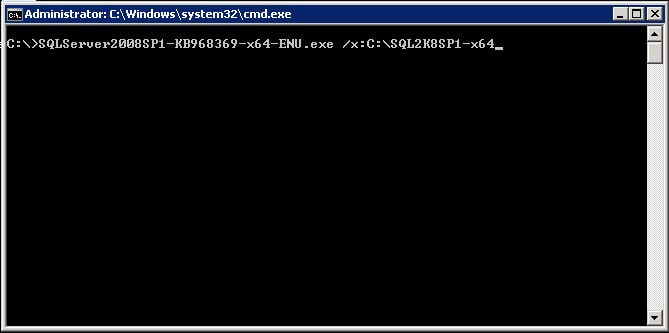
To create a slipstreamed version of the installation media using SQL Server 2008 Service Pack 1, you need to download the setup file from this site that is most appropriate for your environment. Since I am installing a 64-bit SQL Server 2008 Failover Cluster, I downloaded the file SQLServer2008SP1-KB968369-x64-ENU.exe. Once you've managed to download the appropriate service pack file, extract the files to a dedicated folder without installing. You can do so by running the EXE file with the /x:target_folder switch from the command-line, similar to the command below. Make sure that you are doing so in the Administrator console.
SQLServer2008SP1-KB968369-x64-ENU.exe /x:C:\SQL2K8SP1-x64
It is strongly recommended that you install the .NET Framework 3.51 prior to doing any SQL Server 2008 installation. And since Windows Server 2008 R2 comes with the .NET Framework 3.51, you can simply enable this feature by using the Add Role option and selecting the Application Server Role as outlined in this tip. We only need the .NET Framework 3.51 in the selection list.
Once you've managed to extract the service pack files, run the sqlsupport.msi file. Search for the file within the folder on which the service pack files have been extracted. In my environment, the file is located in C:\SQL2K8SP1-x64\x64\setup\1033\sqlsupport.msi. This will run the installation process for the SQL Server 2008 Setup Support Files
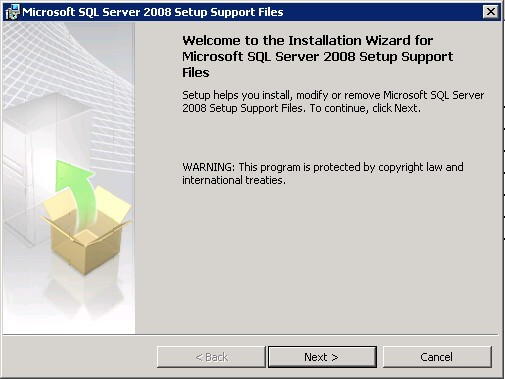
Go thru the installation process, accepting all the defaults.
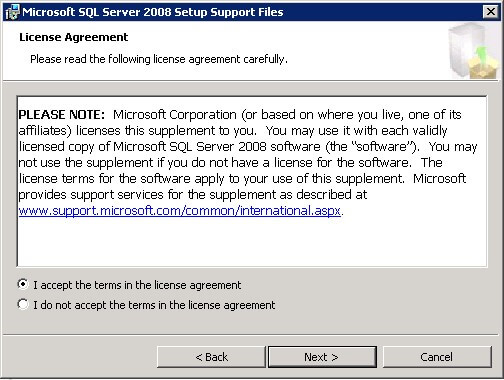
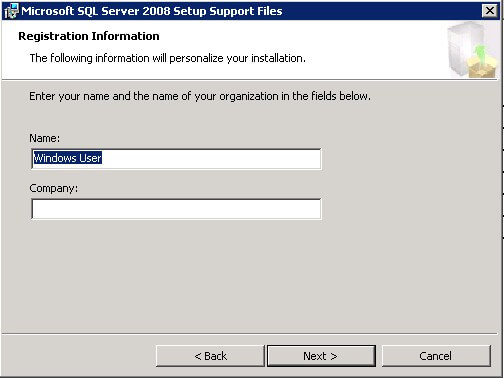
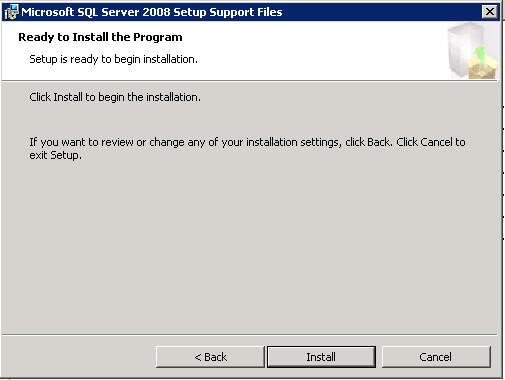
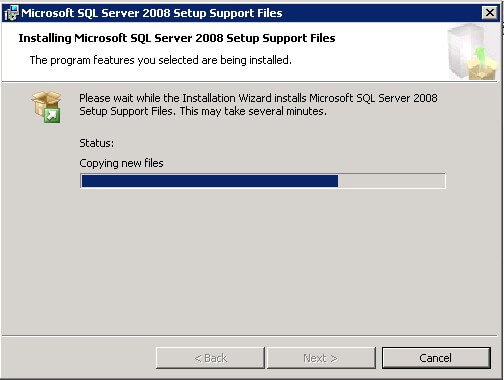
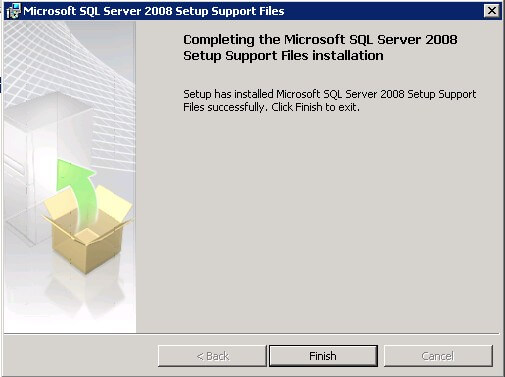
Once you've completed the installation of the SQL Server Setup Support Files, you are now ready to install SQL Server 2008 Failover Cluster. You would need to do so using the command-line, specifying the /PCUSource switch with the location of the extracted service pack files, similar to the command below, again, remembering to run this in the Administrator console.
setup.exe /PCUSource=C:\SQL2K8SP1-x64
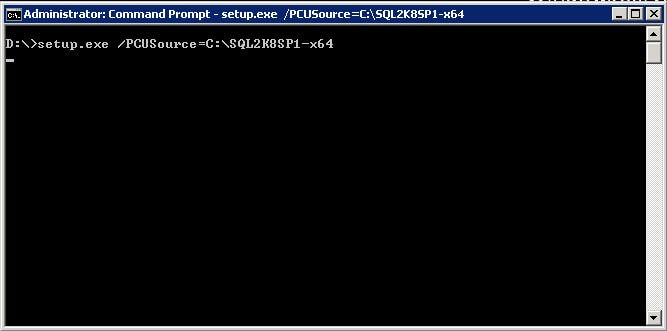
You will see a prompt from the Program Compatibility Assistant specifying that the program has known compatibility issues. Ignore this message by simply clicking the Run Program button
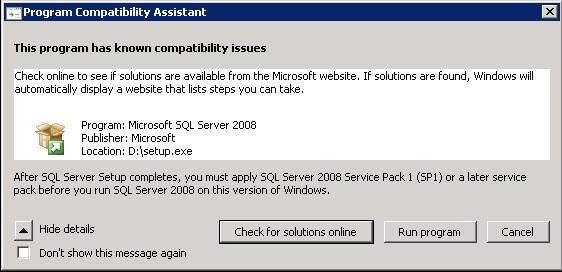
Proceed with the installation of a SQL Server 2008 Failover Cluster as outlined in this tip. Once you have completed the required parameters in installing a SQL Server 2008 Failover Cluster, you can validate that you are indeed using a slipstreamed version of the installation by checking the Cluster Installation Rules page. An Update Setup Media Language Rule item is shown in the rules list as shown in the screenshot below.
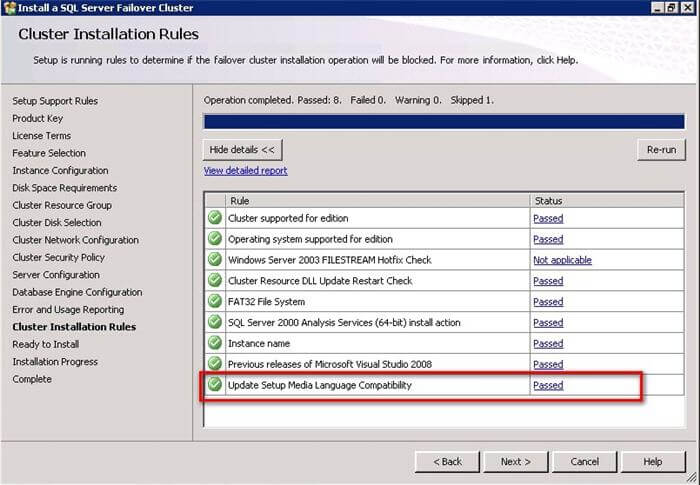
Also, in the Ready to Install page, the Action
node indicates that it is indeed a slipstream install as shown in the screenshot
below.
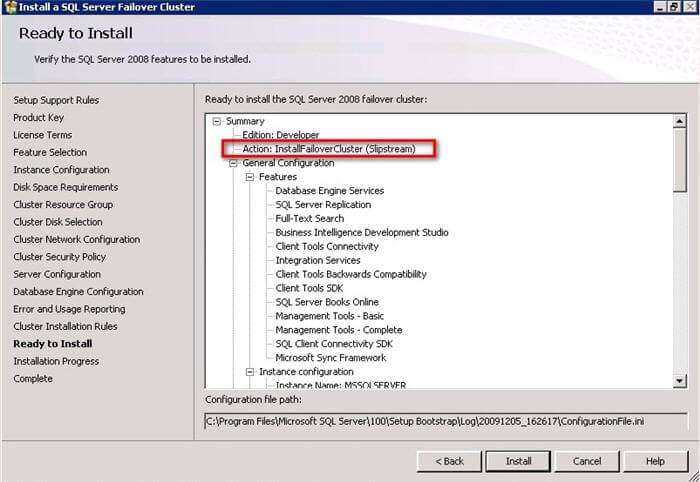
This is a more simplified way of doing a slipstreamed installation for SQL Server 2008. For more information on other options, you can check out this Microsoft KB article.
Next Steps
- Check out the SQL Server 2008 Slipstream Frequently Asked Questions page to find out more about slipstreaming
- Read this Microsoft KB article for a list of known issues when installing SQL Server on Windows 7 or on Windows Server 2008 R2
- Start creating slipstreamed versions of your SQL Server 2008 installation media for use in future deployments






About the author
 Edwin M Sarmiento is a Microsoft SQL Server MVP and Microsoft Certified Master from Ottawa, Canada specializing in high availability, disaster recovery and system infrastructures.
This author pledges the content of this article is based on professional experience and not AI generated.
View all my tips
